


… Finally!
We can now personalize our emails and posts on Substack.
How?
Just use this when you write them:

Proof: here’s how I see this post:
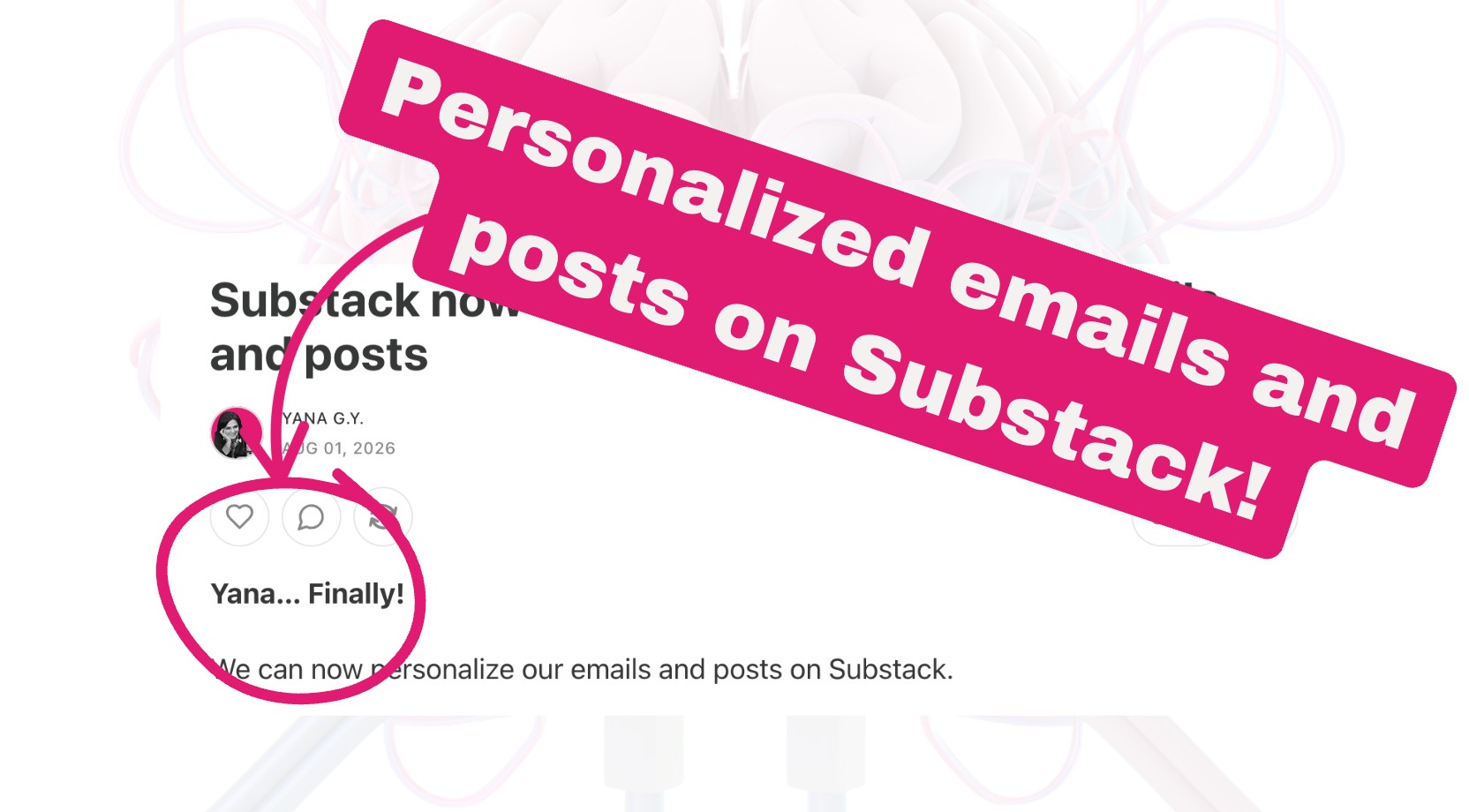
You should see your name on it.
How it works: it takes your name from your Substack profile.
If you don’t have a profile or you’re not logged in on Substack, it displays nothing - you can check how you see this post in incognito window.
People who are logged in with their profiles will still see their names even if they’re not subscribed to you.
Important to know: It doesn’t work on headlines or your about page or your Notes. I tested it.
Now, for emails is kind of expected, but on Substack? We can now do it on the web!
Substack brings personalization to a whole new level.
Exciting times!
Yana
P.S. Ellen Scherr and Finn Tropy helped me learn about this today. Kudos!!
Yana, you rock! I knew you would figure this one out!
Love this! I'm all about customizing everything. Thanks for sharing.